
iPhone screenshots
A closer look at the controls in this guide. The examples use made-up recipes.
Editable Paste Text review
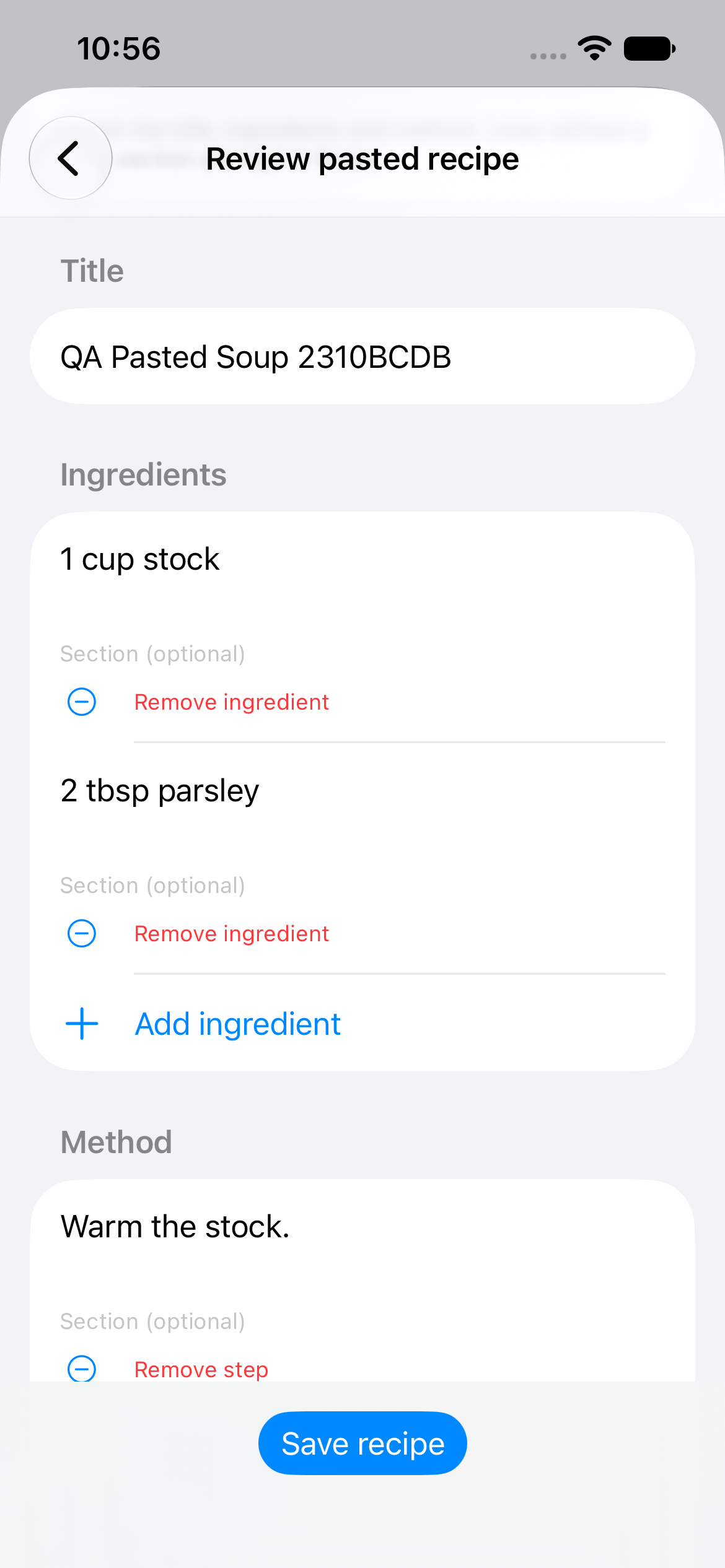
Review the title, ingredients and steps before you save a pasted recipe.
Saved pasted recipe
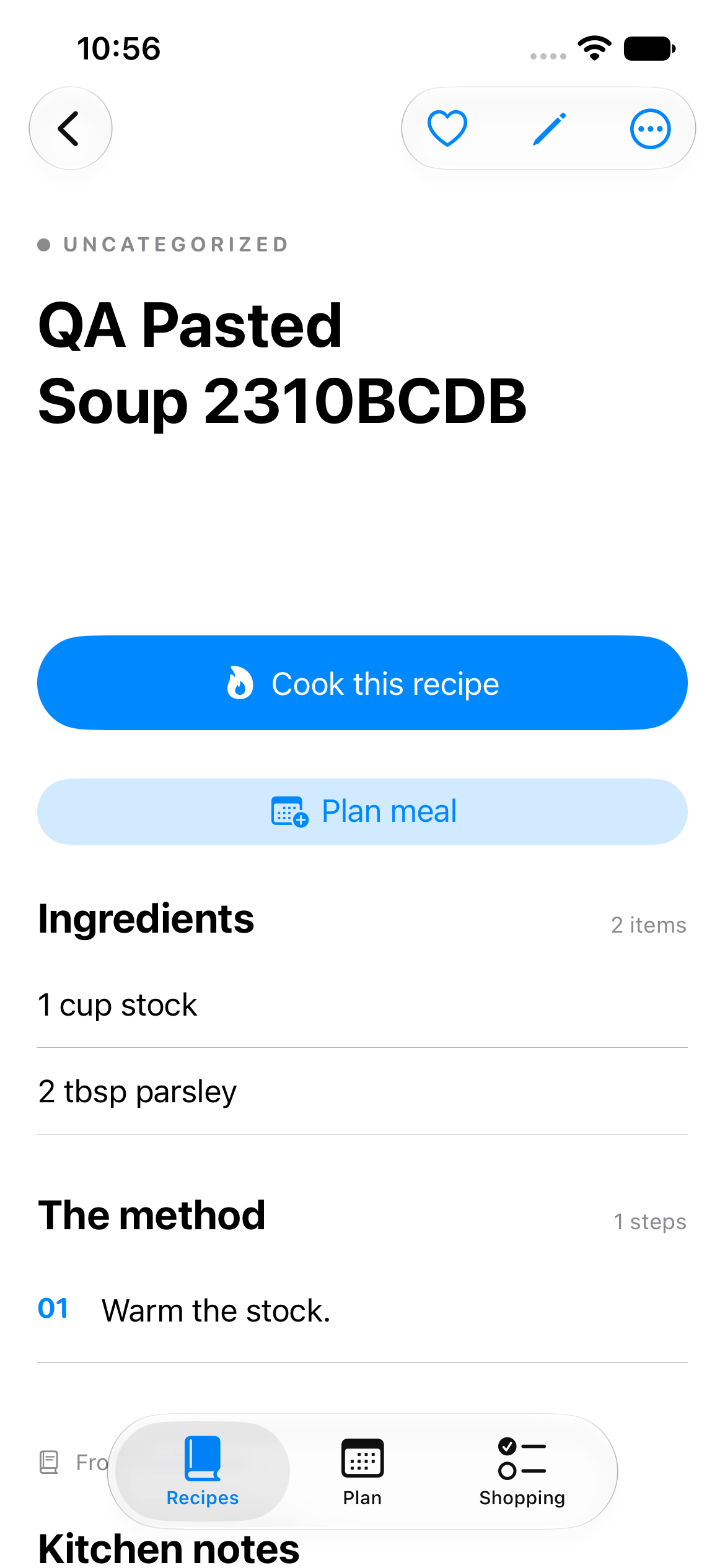
Your saved recipe is ready to cook or add to your meal plan.
Review a suggested timer
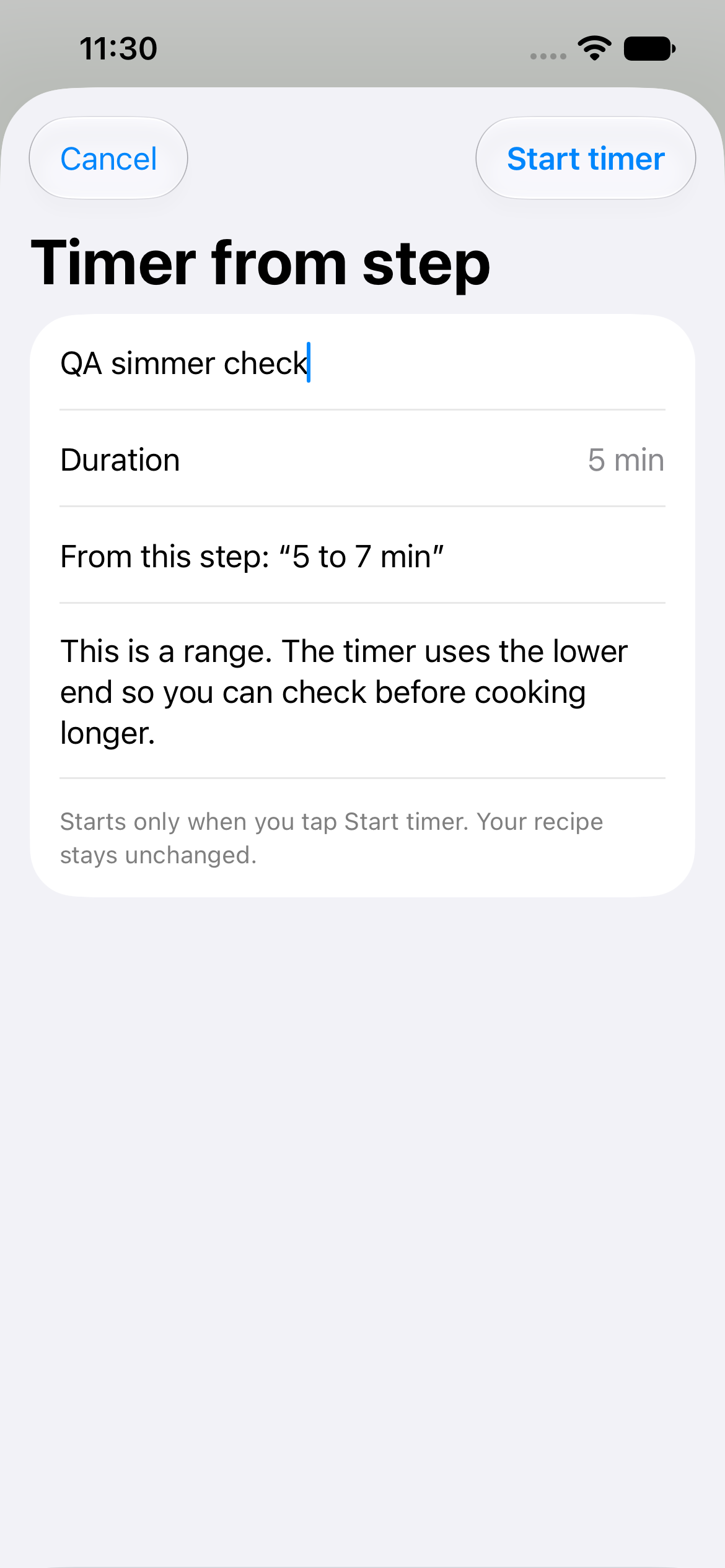
Check the suggested time, give the timer a name if you like, then tap Start timer.
Cook with two timers
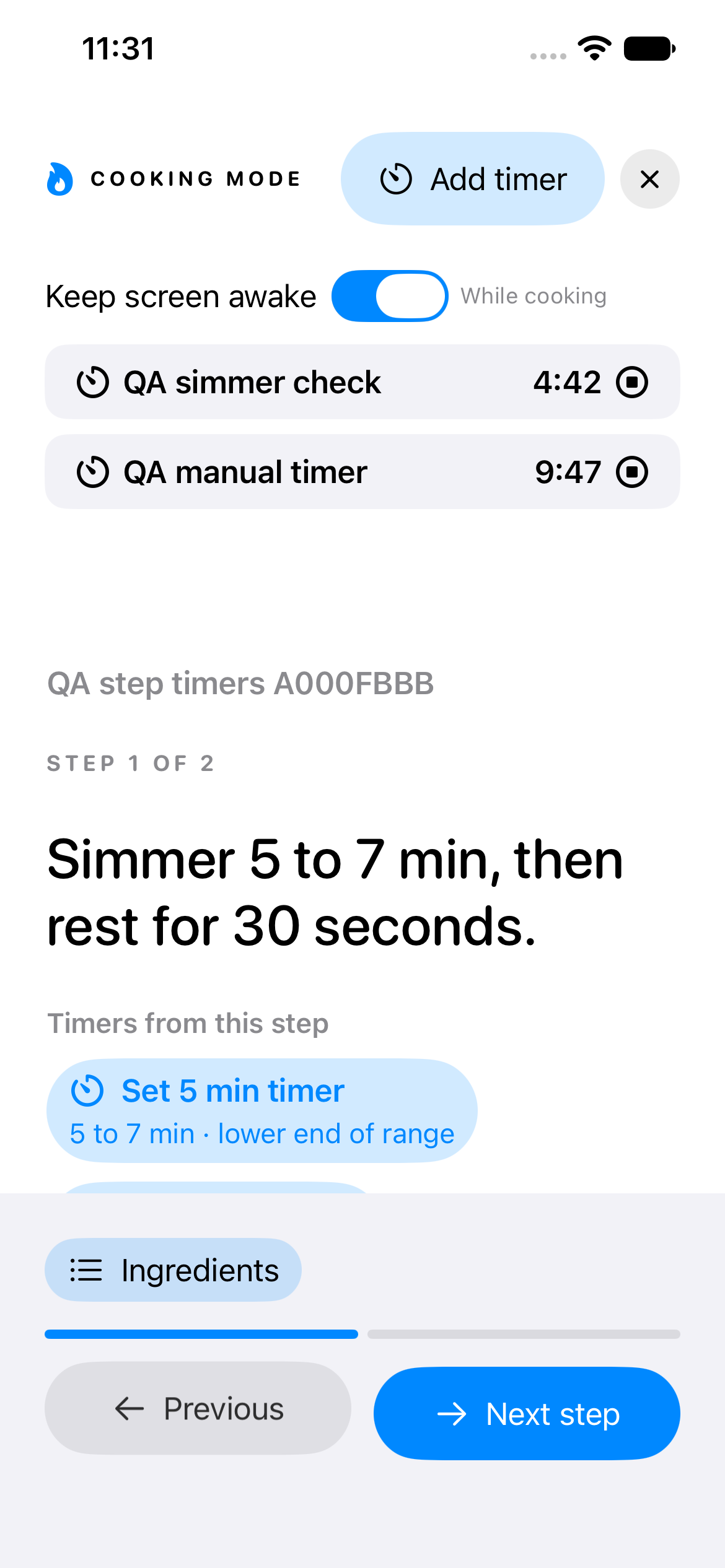
Keep track of your timers while you follow the current cooking step.
Cooking a recipe
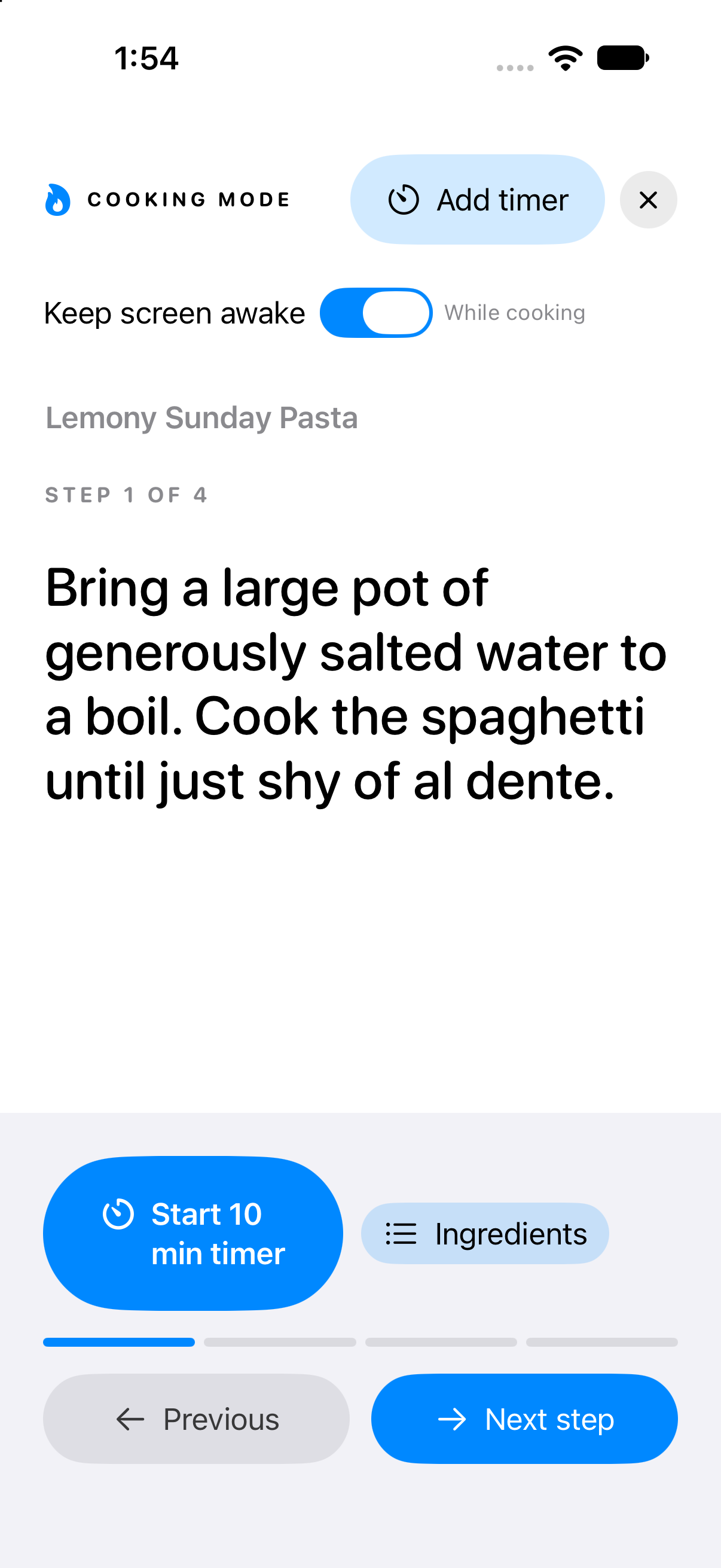
Follow the current step, open Ingredients or move to the next step. Use Add timer when you want a separate timer.
Your meal plan
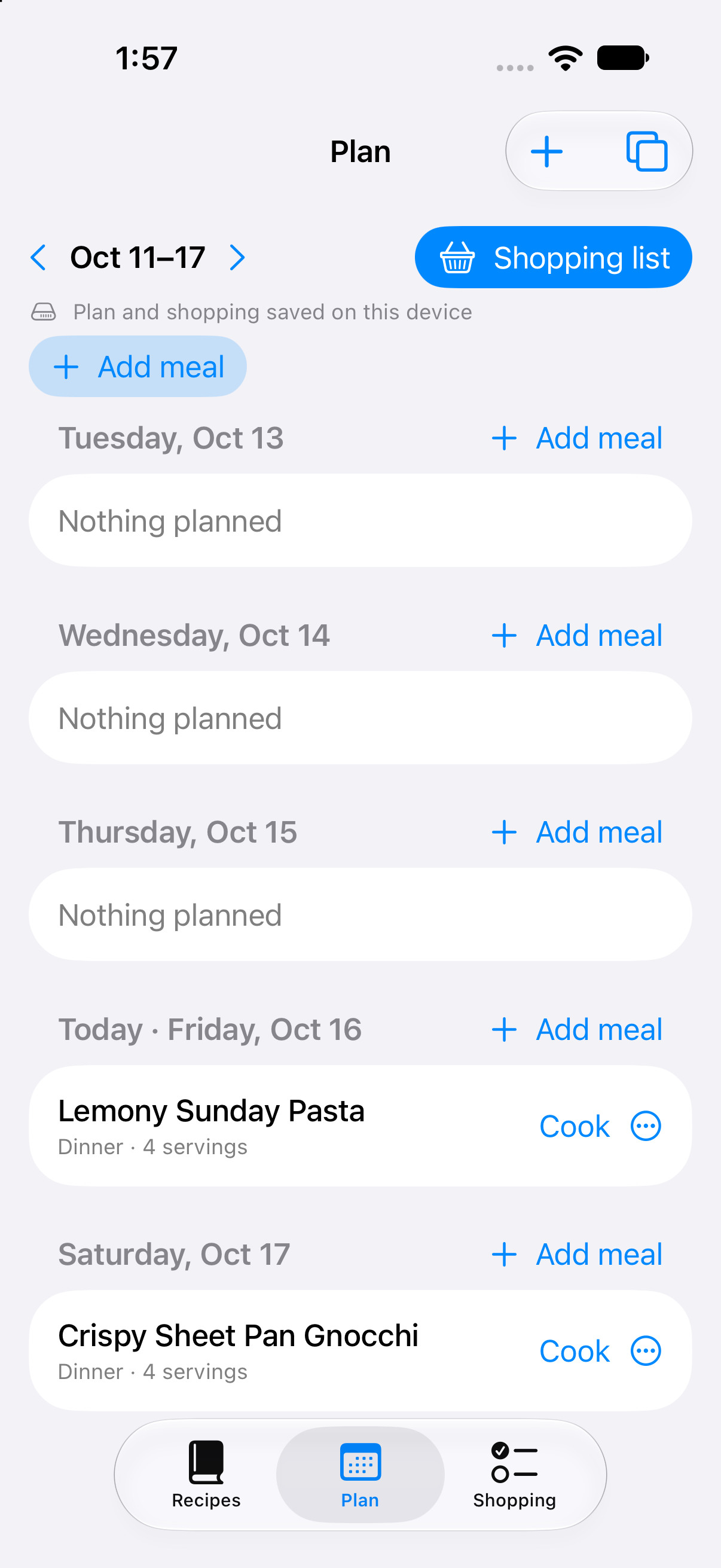
Check each planned meal’s day and servings. Tap Cook when you are ready, or Add meal to fill another day.
Shopping items and recipe sources
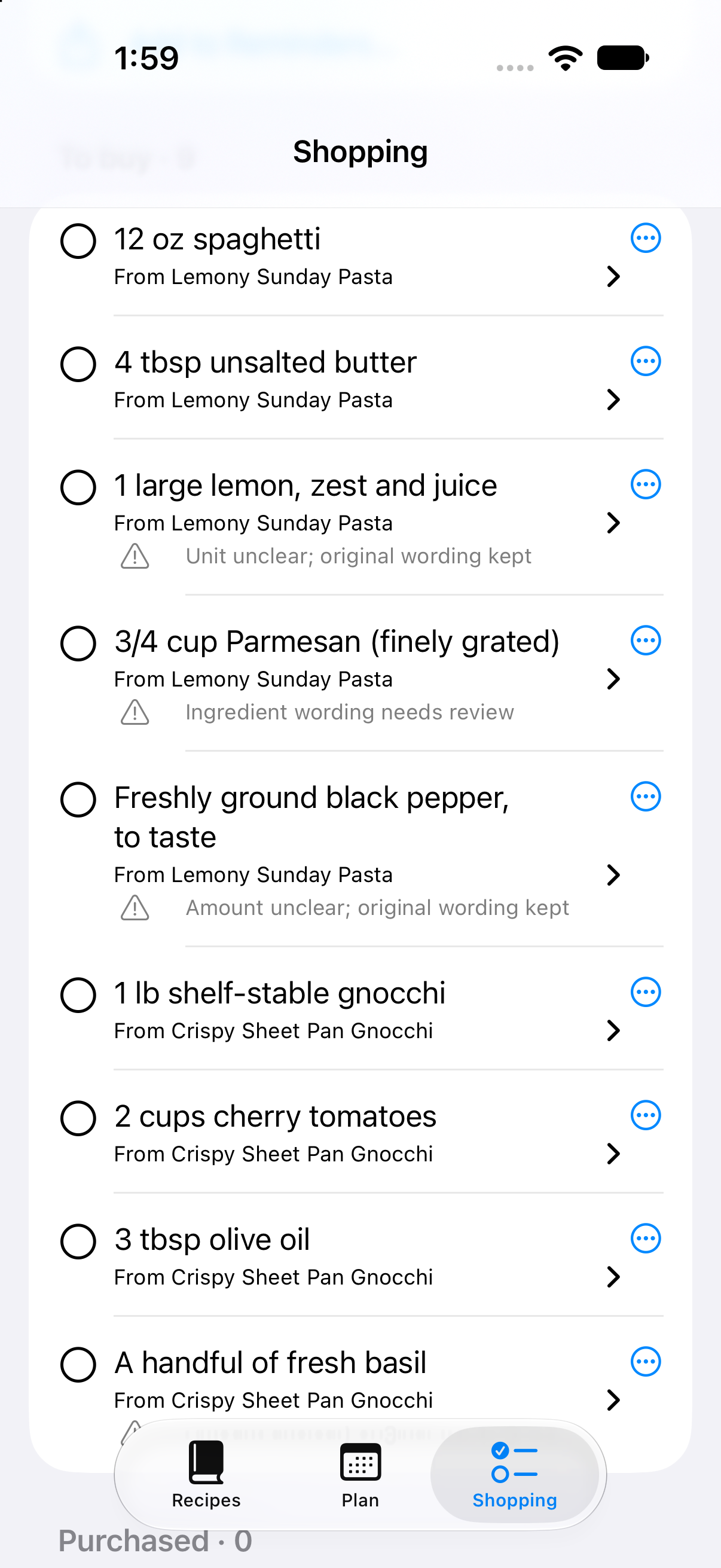
Check each item’s recipe source and warnings before shopping. The three-dot menu opens its options.